Visitor Management Systems: 2026 Guide
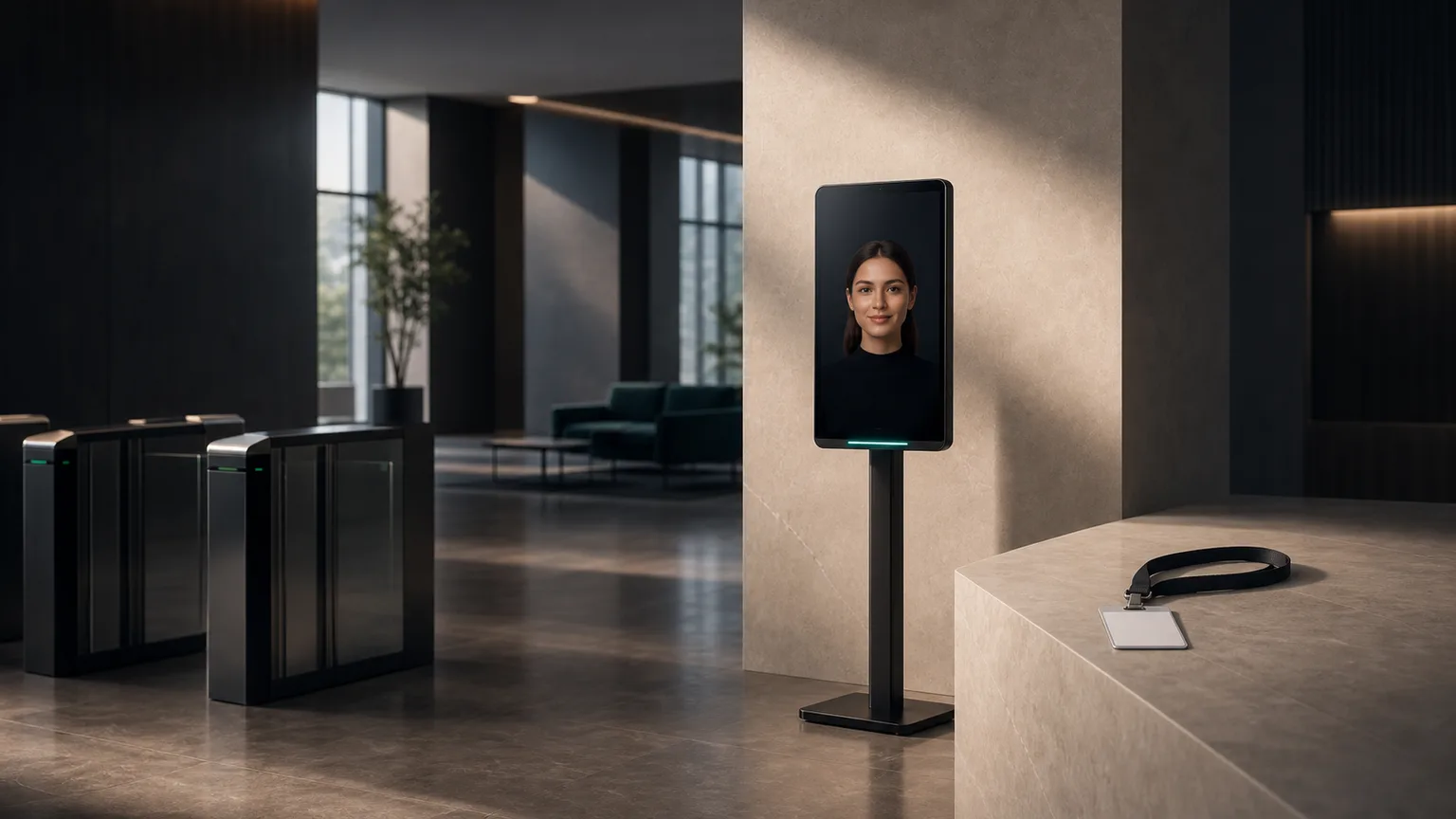
What is a visitor management system?
A visitor management system (VMS) is software — usually paired with a tablet or kiosk at the entrance — that replaces the paper sign-in book. A visitor enters their name, who they're there to see, and sometimes an ID or badge scan; the host gets notified automatically; and the business ends up with a searchable, timestamped log of who was on-site and when.
That sounds simple, and the basic version is. What separates a system that actually gets used from one that gets abandoned after a month is what happens around that core loop: how it handles compliance logging, how badges print, whether it integrates with the calendar the host already lives in, and whether visitors can get through it without a staffer standing next to them explaining the touchscreen.
This guide covers what a visitor management system needs to do, who needs one, the compliance requirements that apply depending on your industry, hardware choices, and how an AI receptionist kiosk extends a basic VMS into something that can also answer questions and handle deliveries, not just log names.
Core features of a visitor management system
Every credible VMS on the market covers these five things. Treat anything missing one of these as incomplete, not a budget option.
- Check-in and identity capture — a visitor enters their name and host, or scans a QR invite, driver's license, or business card. Better systems pre-register expected visitors so the on-site step takes seconds instead of a full form.
- Badge printing — a printed or digital badge with the visitor's name, photo, host, and time-limited validity. Badges matter more than they sound like they should: a visible badge is the fastest way for staff to tell an authorized guest from someone who wandered in.
- Host notification — an automatic text, Slack message, or email to the host the moment their visitor checks in, so nobody's waiting in a lobby because the front desk forgot to call upstairs.
- Compliance and audit logs — a timestamped, exportable record of every visitor, with data retention rules that match whatever regulation applies to your industry (more on this below).
- Watchlist and screening — the ability to flag a name against an internal denylist or, in regulated environments, cross-reference an external screening list before granting access.
Beyond that baseline, a few features separate a good deployment from a merely functional one: pre-registration links a host can send ahead of a meeting, NDA or waiver e-signature captured at check-in, and evacuation reporting that shows who's in the building in real time — a feature that gets asked about once, usually right after a fire drill goes badly.
Who needs a visitor management system
VMS adoption breaks down by what's actually being protected — property, people, or data — and that changes which features matter most.
Corporate offices
Offices use a VMS mainly for security and a professional first impression: knowing who's in the building, notifying the right host, and printing a badge that gets a guest past reception without an escort. Coworking spaces have a related but distinct problem — day-pass visitors mixed with recurring members — covered in more depth on our coworking vertical page.
Medical and dental offices
In healthcare, a visitor log isn't just security — it can be a compliance artifact. A HIPAA-covered practice needs to know who accessed clinical areas and when, and any visitor sign-in screen visible to other patients has to avoid exposing prior visitors' names or reasons for visiting. This is a different problem from patient check-in itself, which is worth understanding separately — see our guide on how a patient check-in kiosk works.
Schools and campuses
Schools need visitor logs for the obvious safety reason — knowing exactly who's in a building with children — and most now cross-reference visitors against sex-offender or custody-restriction lists at check-in, not after the fact. Fast processing matters here too: a line at the front office during morning drop-off defeats the purpose.
Factories and secure facilities
Manufacturing and industrial sites add a layer most office VMS deployments never touch: safety orientation. A visitor often can't walk the floor until they've acknowledged PPE requirements and signed a liability waiver, which the kiosk needs to enforce, not just log. Facilities working under government contracts add formal access-control requirements on top of that — see ITAR below.
Government buildings
Public-sector visitor management usually combines the security requirements of a corporate office with formal identity verification — matching a government-issued ID against a pre-cleared appointment list — and stricter audit-log retention. Our government vertical page covers the access-control side of this in detail.
Compliance requirements by regulation
This is where a lot of "visitor management software" falls short: logging a name is easy, but logging it in a way that survives an audit is a different bar.
| Regulation | Applies to | What the VMS must do |
|---|---|---|
| HIPAA | Medical, dental, and other healthcare-adjacent facilities | Avoid exposing prior visitors' names/PHI on-screen; secure log storage; audit trail of who accessed clinical areas |
| GDPR | Any facility with EU visitors or EU-based operations | Visitor consent for data capture, a defined retention/deletion policy, and the ability to fulfill a visitor's data-access or deletion request |
| ITAR | Defense contractors and export-controlled facilities | Foreign-national visitor flagging, escort requirements, and access logs that can be produced on demand for a compliance audit |
| State/local (schools) | K-12 and campus facilities | Sex-offender registry and custody-restriction screening at check-in, with immediate denial rather than a post-hoc flag |
The common failure mode is treating a visitor log as a nice-to-have convenience feature and only discovering the compliance gap during an actual audit or incident. If your industry has a named regulation attached to visitor access, confirm the vendor supports it explicitly — don't assume a generic sign-in tool covers it. For healthcare specifically, see our fuller HIPAA compliance breakdown covering what a signed BAA needs to include.
Hardware: tablet vs. kiosk
Most VMS vendors offer visitor check-in on a tablet, a full kiosk, or both, and the right choice depends on volume and how much staff presence is nearby.
Tablet-based check-in runs on an iPad or similar device on a simple stand at the reception desk. It's the cheapest way to get a VMS running — often a few hundred dollars in hardware plus a software subscription — and works well for offices with low-to-moderate visitor volume where staff are usually within earshot if something goes wrong.
Kiosk-based check-in is a purpose-built, freestanding or countertop unit, more durable and more capable — built-in ID scanning, badge printing, and a larger screen that's easier to use unassisted. It costs more upfront but holds up better to high, unattended traffic: a lobby with steady visitor flow and no one stationed at the desk full time is a kiosk problem, not a tablet problem. For a full breakdown of freestanding, countertop, wall-mounted, and tablet form factors, see our check-in kiosk guide.
How an AI receptionist kiosk extends a VMS
A standard VMS — tablet or kiosk — is fundamentally a form: enter name, print badge, notify host. It works, but it's mute. A visitor with a question that isn't on the screen ("where's the restroom," "is there parking validation," "can I wait here or should I come back") still needs to find a human.
An AI avatar kiosk like Face2me starts from the same visitor-management core — check-in, badge, host notification, audit log — and adds a conversational layer on top of it. The avatar can answer open-ended questions in the moment, handle multilingual visitors without a language-selection menu, and take over the tasks a front desk used to handle between visitors — routing a delivery, answering a general question about the business, or directing someone to the right floor — instead of just logging that they arrived. For a facility that already has staff turnover or coverage gaps at the front desk, that's the difference between a VMS that reduces one task and a kiosk that replaces the position doing all of them.
This matters most for facilities where the front desk is doing double duty — security-focused office lobbies, multi-tenant buildings, and healthcare front offices where the same person is checking in patients, answering the phone, and greeting visitors simultaneously. The kiosk doesn't need to choose between those jobs.
Visitor management system selection checklist
Before signing with a vendor, confirm:
- Compliance fit. Does it explicitly support the regulation that applies to your facility — HIPAA, GDPR, ITAR, or state screening requirements — rather than a generic log you'd have to adapt?
- Integration. Does it connect to the calendar or scheduling system your hosts already use, so pre-registration doesn't mean double data entry?
- Badge and screening. Can it print a time-limited badge and run a watchlist check automatically at check-in, without a manual step?
- Hardware fit for your volume. Tablet for low-volume, staffed lobbies; kiosk for high-traffic or unattended entrances.
- Data retention and export. Can you pull a compliant audit log on demand, and does the retention period match what your regulator requires?
- Total cost, not sticker price. Tablet hardware is cheap, but check whether the software subscription, integrations, and support are bundled or billed separately — the same hidden-cost pattern that shows up across check-in kiosk pricing generally.
If you want to see how a conversational front desk handles visitor check-in, badge printing, and everything past that in a live walkthrough, book a demo.
FAQ
What is a visitor management system used for?
It replaces the paper sign-in sheet with a digital check-in that captures visitor identity, notifies the host automatically, prints a badge, and keeps a timestamped, exportable log — used for both day-to-day security and compliance audits depending on the industry.
Is a visitor management system HIPAA compliant?
Not automatically — it depends on the vendor. A HIPAA-appropriate VMS avoids displaying prior visitors' information on-screen, stores logs securely, and can produce an access audit trail. If your facility handles protected health information, confirm the vendor will sign a Business Associate Agreement rather than assuming a generic sign-in tool qualifies.
Do small offices need a visitor management system?
It depends on visitor volume and what's being protected. A small office with occasional visitors can often get by with a simple sign-in sheet or a low-cost tablet-based tool. Once visitor volume grows, multiple hosts are involved, or any compliance requirement applies, a proper VMS with automated host notification and audit logging pays for itself in reduced front-desk time alone.
What's the difference between a visitor management system and a check-in kiosk?
They overlap heavily — a VMS is the software and process; a check-in kiosk is often the hardware running it, though "check-in kiosk" also covers patient, hotel, and gym check-in that isn't visitor-focused. See our check-in kiosk guide for how the hardware and workflow differ by industry.
Can a visitor management kiosk screen against a watchlist automatically?
Yes, in most VMS platforms built for schools, government facilities, or security-sensitive offices — the system cross-references the entered name against an internal denylist or external screening database at the moment of check-in and blocks or flags the entry before a badge prints, rather than relying on staff to catch it manually.