Your community manager spends 3 hours a day on tasks a kiosk could handle.
Face2me welcomes visitors, sells day passes, manages deliveries, and answers member questions — so your team focuses on community, not logistics.
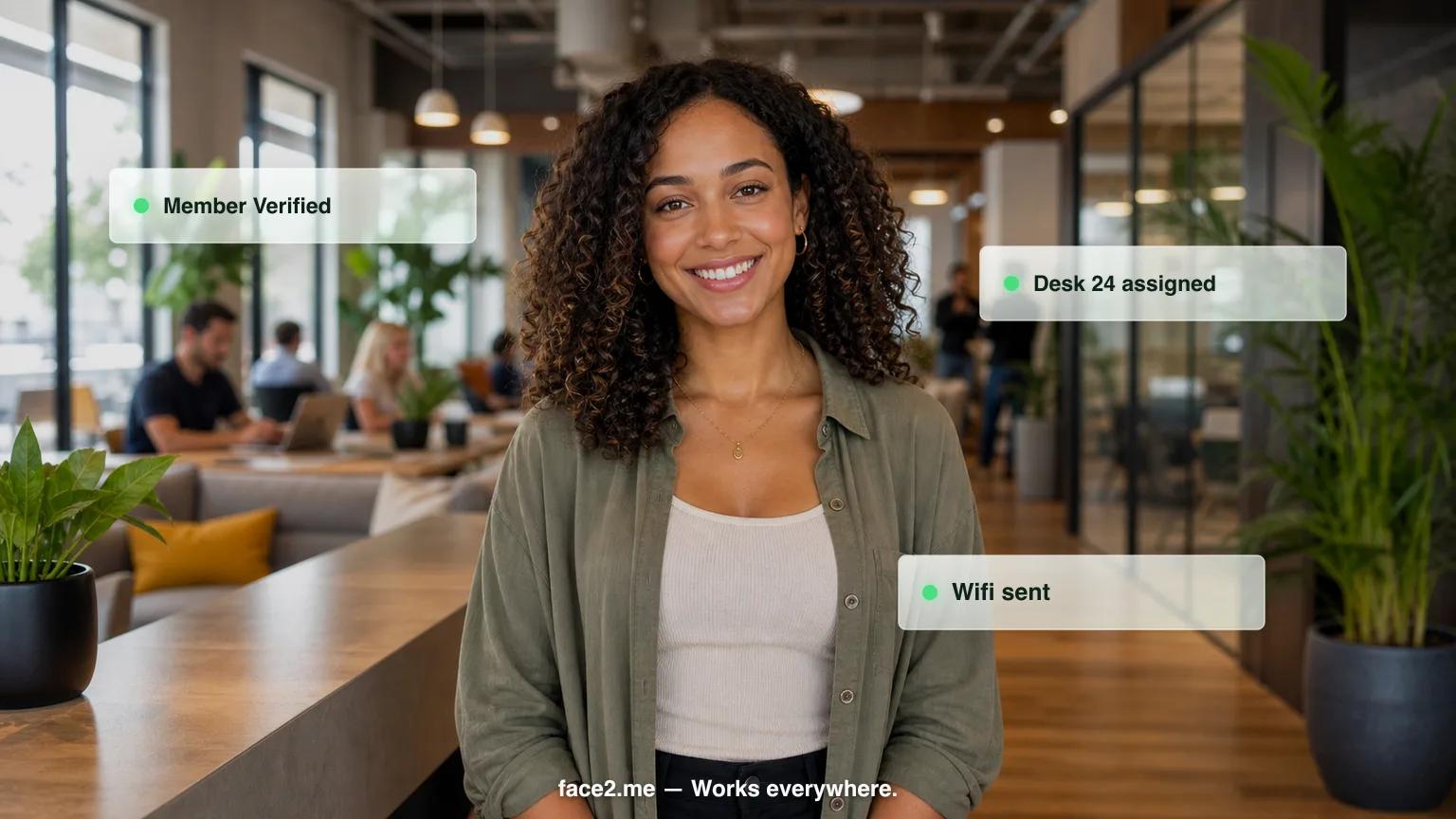
3 hrs/day
Community manager time freed from reception
24/7
Visitor management — even at 2am
2x
More tours booked with instant scheduling
Problems we solve for coworking spaces
Community managers spend 60% of their time on reception duties instead of member engagement
After-hours visitors and deliveries get no service — lost revenue and frustrated tenants
Tour scheduling is manual and inconsistent — prospects who can't book immediately move on
Multi-tenant buildings need visitor management that works across multiple companies
What Face2me does as your community manager assistant
How it works — 3 steps
01
01
Custom avatar
We configure a community manager assistant avatar with your branding, voice, and workflows.
02
02
Place the kiosk
Tablet + stand at your location. Plug in and go live within days.
03
03
Automated operations
Your community manager assistant handles check-ins, questions, and reminders — 24/7.
ROI Bottom Line
Free your community manager for member engagement and double your tour booking rate
Frequently asked questions — coworking spaces
How much does a coworking space check-in kiosk cost?+
Face2me starts at $599 a month for the Starter plan, built for a single coworking location, with setup from $2,000. Multi-location operators typically choose Growth at $999 a month for up to 3 locations (setup from $8,000), or Enterprise at $1,500 or more per month per location for custom builds. All plans are month-to-month with no annual contract, and hardware, software, and support are included.
Does Face2me integrate with Nexudus, OfficeRnD, or Optix?+
Nexudus, OfficeRnD, and Optix aren't on Face2me's standard integration list, which covers platforms like Dentrix, Opera PMS, Mews, and Mindbody. For coworking spaces, the team builds a custom API integration with your coworking management platform during setup, so member and visitor data still syncs automatically. A Stripe card terminal is included for day pass and meeting room payments at the kiosk.
How long does it take to install a reception kiosk in a coworking space?+
Go-live takes 7 to 10 business days from signing. The Face2me team visits your location in person to install the kiosk and build a custom API integration with your coworking management platform, so it's configured for your specific member and visitor workflows before it goes live in the lobby.
Can visitors check in after hours when the front desk isn't staffed?+
Yes. The kiosk operates around the clock, so a member's guest arriving after hours or before staff arrive can still check in without waiting at an empty desk. Face2me confirms the visit and sends an SMS notification to the host member immediately, so after-hours arrivals get handled even when no one is at the front desk.
Can one kiosk handle visitor check-in for a multi-tenant building with different companies?+
Yes. Face2me routes check-in by company and host rather than through one shared desk, so a visitor for one tenant isn't confused with a visitor for another. The moment someone arrives, Face2me sends an SMS to the correct host member — useful in shared buildings where multiple tenant companies rely on the same lobby staff.
How much staff time can a coworking kiosk actually save?+
Face2me handles routine front-desk work directly at the kiosk — member and guest check-in, day pass and meeting room payments via the Stripe terminal, and SMS reminders, which cut no-show rates by about 40%. That takes recurring, repetitive tasks off your community manager's plate so they can spend more time on member relationships instead of the front desk.
Ready to see it in action?
Book a 20-minute demo customized for coworking spaces.