Check-In Kiosks: The Complete 2026 Guide
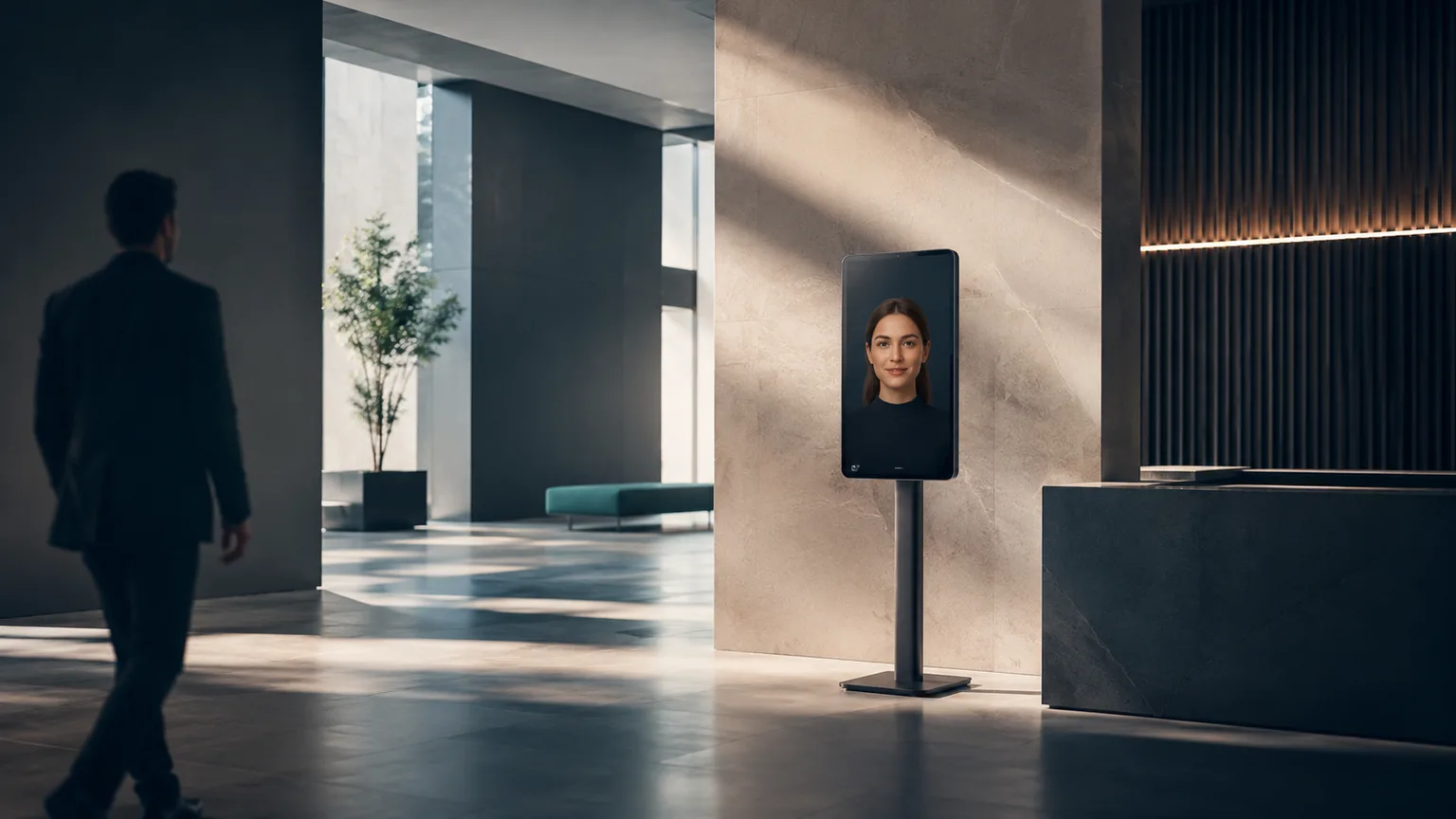
What is a check-in kiosk?
A check-in kiosk is a self-service terminal — freestanding, countertop, wall-mounted, or tablet — that lets a person confirm arrival, verify identity, and complete required forms or payments without staff help. It syncs results in real time to the business's PMS or CRM, so the front desk sees an accurate record immediately.
That single sentence covers the mechanics. What actually separates a good kiosk deployment from a bad one — and what it costs — depends heavily on which industry it's serving and whether the kiosk is a static touchscreen or something smarter. This guide walks through both.
Types of check-in kiosks by industry
The core check-in job is the same everywhere — identify the person, verify what needs verifying, write it back to a system of record — but the specifics change a lot by setting.
Patient check-in for clinics
Medical and dental check-in kiosks scan insurance cards, run eligibility checks, and collect intake forms before the patient sees anyone. The hard requirements here are HIPAA compliance, a signed BAA, and real-time write-back to whatever PMS the practice runs — Dentrix, Open Dental, Eaglesoft, or AthenaHealth. See our dedicated breakdown of how a patient check-in kiosk works step by step, including the exact insurance-scan and intake flow.
Hotel check-in
Hotel kiosks look up a reservation, verify ID against the booking, authorize a card for incidentals, and dispense a physical key or push a mobile one. Peak-hour queues and overnight staffing gaps are the two problems hotels are usually solving for. Our hotel vertical page covers PMS integrations like Opera PMS and Mews in detail.
Visitor management for offices and coworking spaces
A visitor check-in kiosk replaces the sign-in clipboard and the "who do you have an appointment with" phone call in shared workspaces. Visitors check in against a guest list, get a badge or QR pass printed, and the host gets an automatic notification. For coworking operators managing member access alongside day-pass visitors, see the coworking vertical page.
Gym and fitness check-in
Fitness kiosks verify an active membership, scan a class reservation, and flag guests who need a waiver signed before they can use the floor. High foot traffic in narrow morning and evening windows is the defining constraint — see how that plays out on the fitness vertical page.
Auto service check-in
Auto service centers use kiosks to log a vehicle in, capture the service requested, and hand off a status update loop so customers aren't hovering at the counter waiting on an estimate. Details on RO (repair order) integration are on the auto service vertical page.
Hardware form factors
Kiosk hardware comes in four common shapes, and the right one depends on floor space, foot traffic, and how much unattended time the unit needs to survive.
- Freestanding — a full-height, self-supporting unit, typically 40-65 inches tall. Best for high-traffic lobbies where the kiosk needs to be visible from across the room and durable enough for constant unattended use.
- Countertop — a compact unit that sits on an existing reception desk or check-in counter. Works well when staff are still nearby for occasional assistance, and it's the cheapest form factor to retrofit into an existing space.
- Wall-mounted — bolted to a wall near an entrance, ideal for tight floor plans where a freestanding unit would block traffic — common in urgent care waiting rooms and gym entryways.
- Tablet — the smallest and cheapest option, often on a simple stand or mount. Good for lower-volume locations or as a second/backup check-in point alongside a primary kiosk.
Key features checklist
A kiosk check in system is only as good as the features underneath the touchscreen. Whatever form factor you choose, these are the ones worth confirming before you sign anything:
- ID or insurance scanning — a built-in scanner or camera that reads a driver's license, passport, or insurance card and validates it against the relevant system in seconds, not minutes.
- Multilingual support — ideally with automatic language detection rather than a menu the guest has to hunt through, so someone who doesn't speak English fluently isn't stuck at step one.
- PMS or CRM integration — real-time, two-way sync with whatever system your staff already work in, so nobody re-types a kiosk session into the record afterward.
- ADA accessibility — a lowered touch target or adjustable screen height, audio prompts, and a layout that works from a wheelchair — non-negotiable in most jurisdictions and good practice everywhere.
- Staff override — a way for a team member to pull up the same session on their own screen and take over instantly, with nothing lost, when a guest is confused or hits an exception the kiosk isn't built to handle.
Traditional touchscreen vs. AI-avatar kiosks
This is the decision that matters most once you've settled on a form factor, and it's not just a pricing tier — it changes what the kiosk can actually do.
Traditional touchscreen kiosks run a fixed menu tree: tap through a series of screens, scan a card, submit. They're reliable at the mechanical steps and cheaper to deploy, but they're silent otherwise. A guest with a question that isn't on the menu has to find a human, which defeats part of the point of installing a kiosk in the first place.
AI-avatar kiosks — like Face2me — replace the menu tree with a conversation. The guest can ask an open-ended question mid-check-in ("do you take my insurance," "is there a gym," "how long's the wait") and get an answer immediately, without hunting for a staffer. Three differences matter most in practice:
- Conversational, not menu-driven — the avatar understands natural questions instead of forcing the guest into pre-scripted taps.
- 30+ languages, auto-detected — the avatar responds in whatever language the guest opens with, no language-selection screen required.
- Upsell at the moment of arrival — a relevant offer presented conversationally as part of the greeting converts better than a static banner or popup, because it feels like a suggestion rather than an ad.
For a low-volume, single-language location, a basic touchscreen may be all you need. For a higher-traffic or multilingual setting, the avatar layer is usually what determines whether guests actually use the kiosk or default back to the front desk line.
How much does a check-in kiosk cost?
Pricing splits into two fundamentally different models, and they aren't really comparable line-item to line-item.
Hardware-only. You buy the physical kiosk enclosure, card or ID scanner, and printer outright, typically $1,500-$5,000 per unit depending on form factor and build quality. That price gets you a box. You still need to license check-in software separately, handle your own PMS/CRM integration, install it, and support it — including whatever breaks at 11pm on a Saturday.
Turnkey service. Hardware, software, integrations, ongoing support, and updates bundled into one monthly fee, with nothing to buy outright. Face2me's plans start at Starter, from $599/month (setup from $2,000), scaling to Growth, from $999/month, and Enterprise, from $1,500/month per location for multi-site operators. Every tier includes hardware, software, integrations, and support — no separate line items to track down later, and the hardware comes back to us if you ever cancel.
For most single-location operators, turnkey wins on total cost once you price in the integration and support hours a hardware-only setup demands. For a large multi-site group with dedicated IT staff already on payroll, buying hardware and running software separately can pencil out — but budget realistically for the integration work, because it rarely comes in under estimate.
Implementation steps
Rolling out a check-in kiosk — turnkey or hardware-only — follows roughly the same sequence:
- Scope the integration. Identify which PMS or CRM the kiosk needs to talk to, and confirm the vendor has an existing connector rather than custom work.
- Choose the form factor and placement. Freestanding for a high-traffic lobby, countertop or wall-mounted for tighter spaces, tablet for lower volume or a backup station.
- Configure workflows. Set up the specific check-in steps for your business — insurance scan for a clinic, reservation lookup for a hotel, guest-list matching for an office.
- Connect and test. The vendor installs on-site and verifies the integration writes back correctly before go-live. With Face2me, this typically takes 7-10 business days end to end.
- Train staff on the override path. Everyone at the front desk needs to know how to take over a stuck session without making the guest start over.
- Go live and monitor. Watch the first few weeks of sessions for edge cases the initial configuration didn't anticipate, and adjust.
Contracts are typically month-to-month with no exit fees, so there's little reason to over-commit before you've seen it run on your own traffic. If you want to walk through a live check-in before deciding anything, book a demo.
FAQ
What is a check-in kiosk?
A check-in kiosk is a self-service terminal — freestanding, countertop, wall-mounted, or tablet — that lets a person confirm arrival, verify identity, and complete any required forms or payment without staff assistance, syncing the result in real time to the business's PMS or CRM.
How does a self check-in kiosk work?
A guest identifies themselves (name, confirmation number, or QR code), the kiosk verifies ID or insurance via a scan, collects any required forms or payment, and writes the completed session back to the connected system of record — typically finishing in under two minutes. A staff override is available for anything outside the standard flow.
What's the difference between a visitor-management kiosk and a patient check-in kiosk?
The underlying mechanics — identify, verify, write back to a system — are the same, but what gets verified differs. A visitor kiosk checks a name against a guest list and prints a badge; a patient kiosk scans insurance and confirms eligibility against a clearinghouse. See our detailed walkthrough of how a patient check-in kiosk works for the full step-by-step, or the hotel self check-in guide for how the flow differs in hospitality.
Is a hardware-only kiosk cheaper than a turnkey service?
The sticker price is lower — $1,500-$5,000 for the unit itself versus a monthly service fee — but that price doesn't include software licensing, PMS/CRM integration, installation, or ongoing support, all of which you'd handle separately. A turnkey service bundles all of that into one monthly fee starting at $599/month, which is usually cheaper in total once integration and support hours are counted, especially for a single location without dedicated IT staff.