The average DMV visit takes 44 minutes. 38 of those are waiting. Fix the wait.
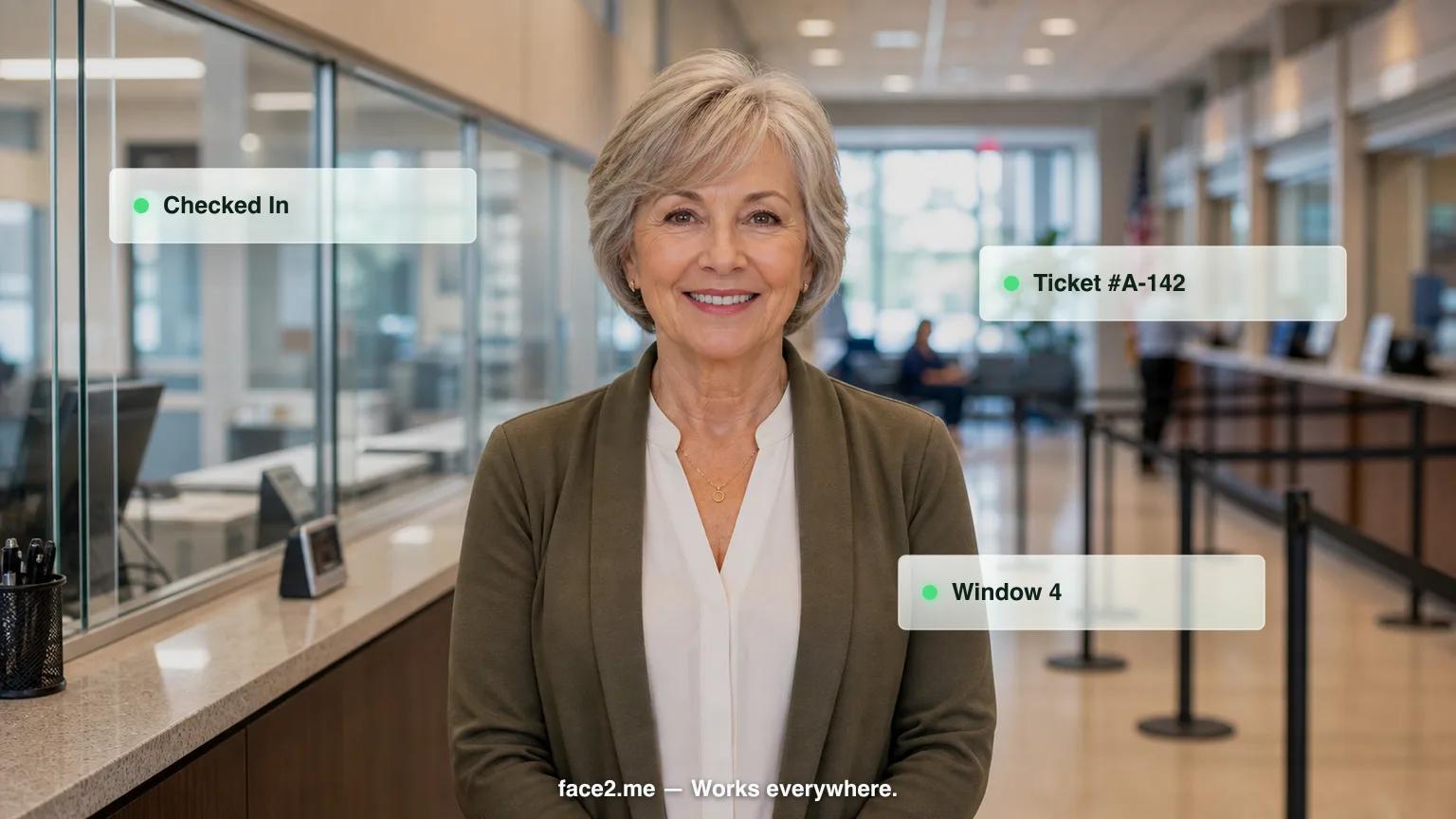
Face2me manages visitor queues, answers departmental FAQs, directs citizens to the right window, and serves every language in your community — reducing wait times and staff frustration.
60%
Reduction in perceived wait times
50%
Staff time freed from 'which window?' questions
30+
Languages served without interpreters
Problems we solve for government & municipal offices
Citizens wait 30–60 minutes for services that take 5 minutes — satisfaction scores are abysmal
Staff spend 50% of their time on wayfinding and FAQ questions: 'which window?', 'what form?'
Multilingual communities are underserved — translation services are expensive and slow
Paper ticket queue systems provide no data, no wait time estimates, and no SMS notifications
What Face2me does as your public service assistant
How it works — 3 steps
01
01
Custom avatar
We configure a public service assistant avatar with your branding, voice, and workflows.
02
02
Place the kiosk
Tablet + stand at your location. Plug in and go live within days.
03
03
Automated operations
Your public service assistant handles check-ins, questions, and reminders — 24/7.
ROI Bottom Line
Cut perceived wait times by 60% and free half your staff from repetitive wayfinding questions
Frequently asked questions — government & municipal offices
How much does Face2me cost for a county or city office?+
Face2me starts at $599/month for a single-location Starter plan (setup from $2,000), $999/month for Growth covering up to 3 locations (setup from $8,000), and $1,500+/month per location for Enterprise with custom setup. All plans are month-to-month with no annual contract and include hardware, software, and support. Hardware is returned if you cancel.
Does Face2me work with our existing queue management system like QFlow, Qmatic, or Nemo-Q?+
Yes. Face2me integrates with QFlow, Qmatic, Nemo-Q, and most municipal CRM systems, so ticket numbers, wait time estimates, and department routing sync with what you already run. For systems outside that list, the team builds a custom API integration during setup so residents still get one consistent queue experience at the kiosk.
How long does it take to set up an AI kiosk in a government office?+
Go-live takes 7-10 business days from signing. The Face2me team visits your office in person to install the kiosk, configure department routing for permits, licenses, vital records, and tax payments, and connect it to your existing queue or CRM system before residents start using it.
Can a kiosk actually reduce wait times at a DMV or clerk's office?+
Citizens often wait 30-60 minutes for services that take 5 minutes to complete. Face2me issues a ticket number, gives an estimated wait time, and sends an SMS alert when it's the visitor's turn, so people don't have to stand in line. Offices using digital queuing report a 60% reduction in perceived wait times.
How do we serve non-English-speaking residents without hiring interpreters?+
Face2me speaks more than 30 languages and detects which one a visitor is using mid-conversation, so it can answer questions and route people to the right window without a scheduled interpreter. This covers routine interactions like form questions, wayfinding, and queue check-in in the visitor's own language.
Will this actually reduce staff workload, or just add another system to manage?+
Staff currently spend about half their time answering "which window?" and "what form do I need?" questions. Face2me handles department routing and form lookup directly, for example printing a checklist for a marriage license application, so front-line staff can focus on processing transactions instead of repeating directions all day.
Ready to see it in action?
Book a 20-minute demo customized for government & municipal offices.