Your info desk answers 'where is the registrar?' 200 times a day. Automate that.
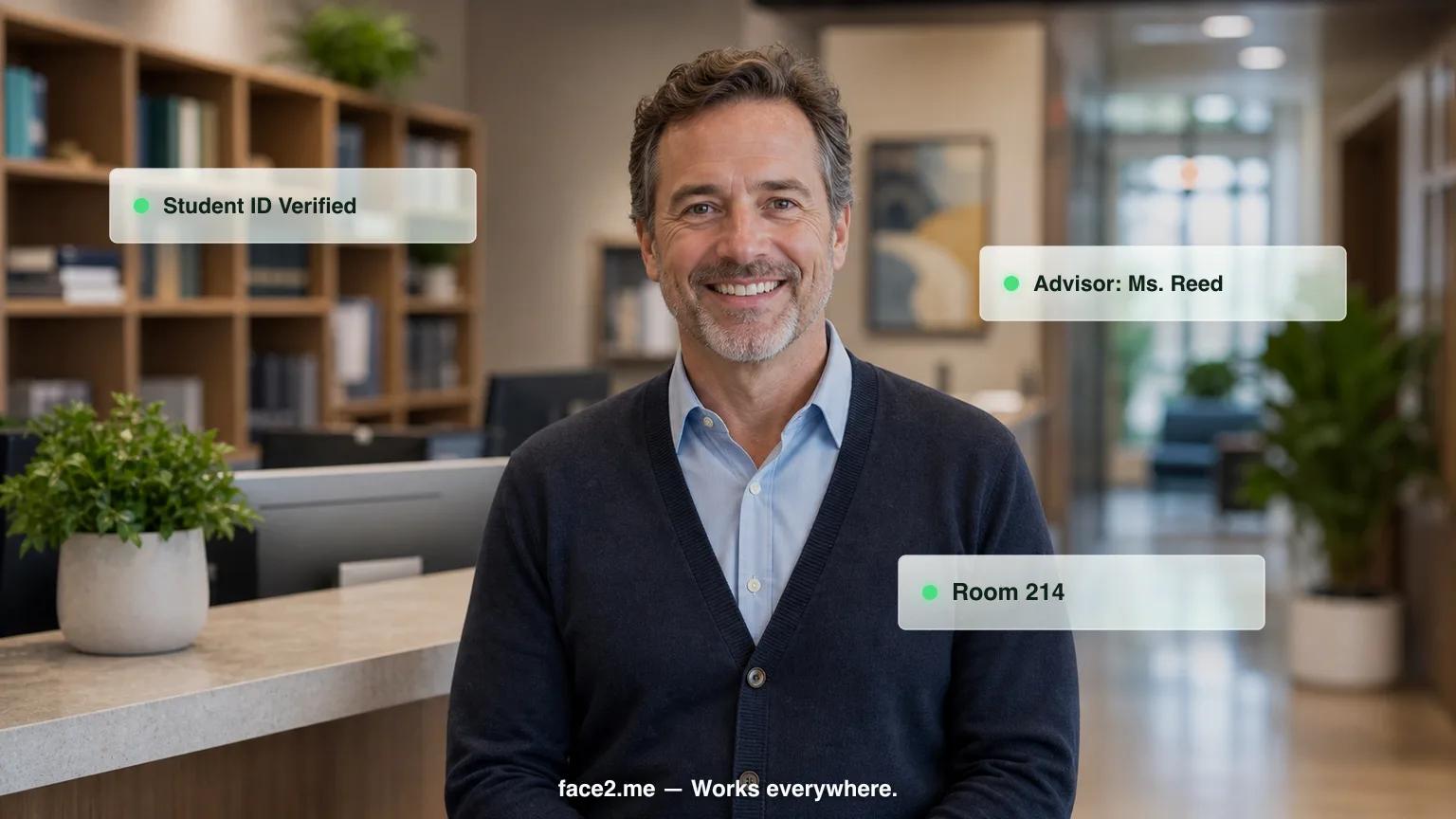
Face2me helps students with wayfinding, office hours, enrollment questions, and event info — in 30+ languages, across every campus building.
200+
Daily repetitive questions handled by kiosk
30+
Languages for international student body
70%
Reduction in info desk staffing needs
Problems we solve for universities & colleges
Campus info desks are overwhelmed during enrollment, orientation, and exam periods
International students (25%+ at many universities) struggle with language barriers at every office
Student workers at the info desk have limited knowledge and high turnover — new training every semester
After-hours campus visitors get zero assistance — no one answers after 5pm
What Face2me does as your campus information assistant
How it works — 3 steps
01
01
Custom avatar
We configure a campus information assistant avatar with your branding, voice, and workflows.
02
02
Place the kiosk
Tablet + stand at your location. Plug in and go live within days.
03
03
Automated operations
Your campus information assistant handles check-ins, questions, and reminders — 24/7.
ROI Bottom Line
Handle 200+ daily inquiries without additional info desk staff or student workers
Frequently asked questions — universities & colleges
How much does a campus information kiosk cost?+
Face2me starts at $599/month for a single building (Starter plan), with setup from $2,000. Multi-building campuses typically use Growth at $999/month (up to 3 locations, setup from $8,000) or Enterprise at $1,500+/month per location for larger campuses. All plans are month-to-month with no annual contract, and hardware, software, and support are included.
Can a campus kiosk connect to Banner, PeopleSoft, or Workday Student?+
Not as a named, pre-built integration — Face2me's current out-of-the-box connections (Dentrix, Open Dental, Eaglesoft, Opera PMS, Mews, Mindbody, AthenaHealth, and Stripe terminals for payments) are built for healthcare and hospitality systems, not campus SIS platforms. For Banner, PeopleSoft, Workday Student, or any other system, our team builds a custom API integration during your 7-10 day setup so the kiosk pulls the data your campus needs.
How long does it take to get a kiosk running on campus?+
Go-live takes 7 to 10 business days from signing. Our team visits your campus, places the kiosk in the lobby or at the info desk, and builds any needed system integrations on-site — so it's live and handling wayfinding and info desk questions within about a week and a half, not months.
Can it help international students who don't speak English well?+
Face2me speaks more than 30 languages and automatically detects which one a visitor is speaking mid-conversation — no menu or language selection needed. For campuses with a significant international student population, that removes the language barrier at wayfinding and info desk questions without requiring multilingual staff on every shift.
Will it replace our student workers at the info desk?+
It handles the repetitive volume, not the whole desk. The kiosk fields routine questions — directions, office hours, deadlines — freeing student workers to focus on complex, one-on-one cases instead of repeating the same answers all day. It also removes the need to re-train a new cohort of student workers on basic answers every semester, and a staff override panel is always available for escalations.
Does it work after the info desk closes for the day?+
Yes, the kiosk operates whenever your building is open, including evenings and weekends when staffed info desks are closed. Campus visitors, prospective students, and parents get wayfinding, office hours, and event information after 5pm instead of no assistance at all, with 99.9% uptime and a staff override panel if a question needs a human.
Ready to see it in action?
Book a 20-minute demo customized for universities & colleges.